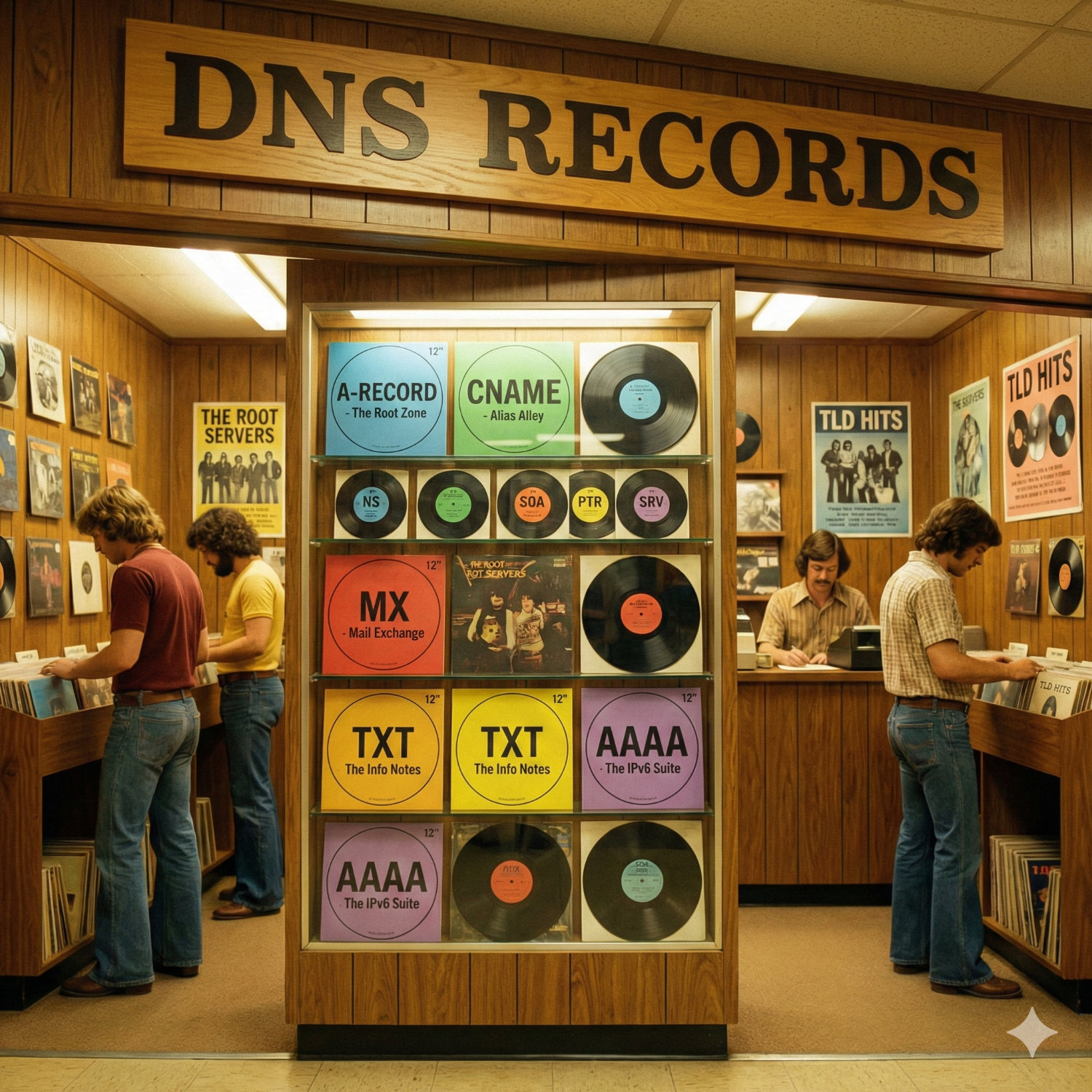
If you own a website or have ever tried to connect a domain name to a website, you have probably run into the acronym DNS.
It usually pops up in an error message or a confusing instruction manual telling you to "update your records." For most people, it is the most intimidating part of owning a website. It feels like touching the wiring behind the light switch. You are afraid if you get it wrong, the whole house will go dark.
This is the plain English guide to what Domain Name Servers actually are, how they work, and why you need to care about them.
The What: Computers Don't Speak English
When you want to visit a website, you type a name like meridianpress.co.uk into your browser. That name is for you. It is easy to remember and easy to spell.
Computers do not care about names. They only understand numbers.
Every single device connected to the internet, from your laptop to the server hosting your website, has a unique IP address. It looks something like 192.0.2.1 (or a much longer string of numbers and letters if it is the newer IPv6 format).
DNS (Domain Name System) is simply the bridge between the two.
Think of it exactly like the Contacts app on your phone. When you want to call your mother, you don't type in 07700 900 123. You just tap "Mum." Your phone looks up the name "Mum" in its database, finds the number attached to it, and connects the call.
DNS is the Contacts app for the entire internet.
The How: A Chain of Command
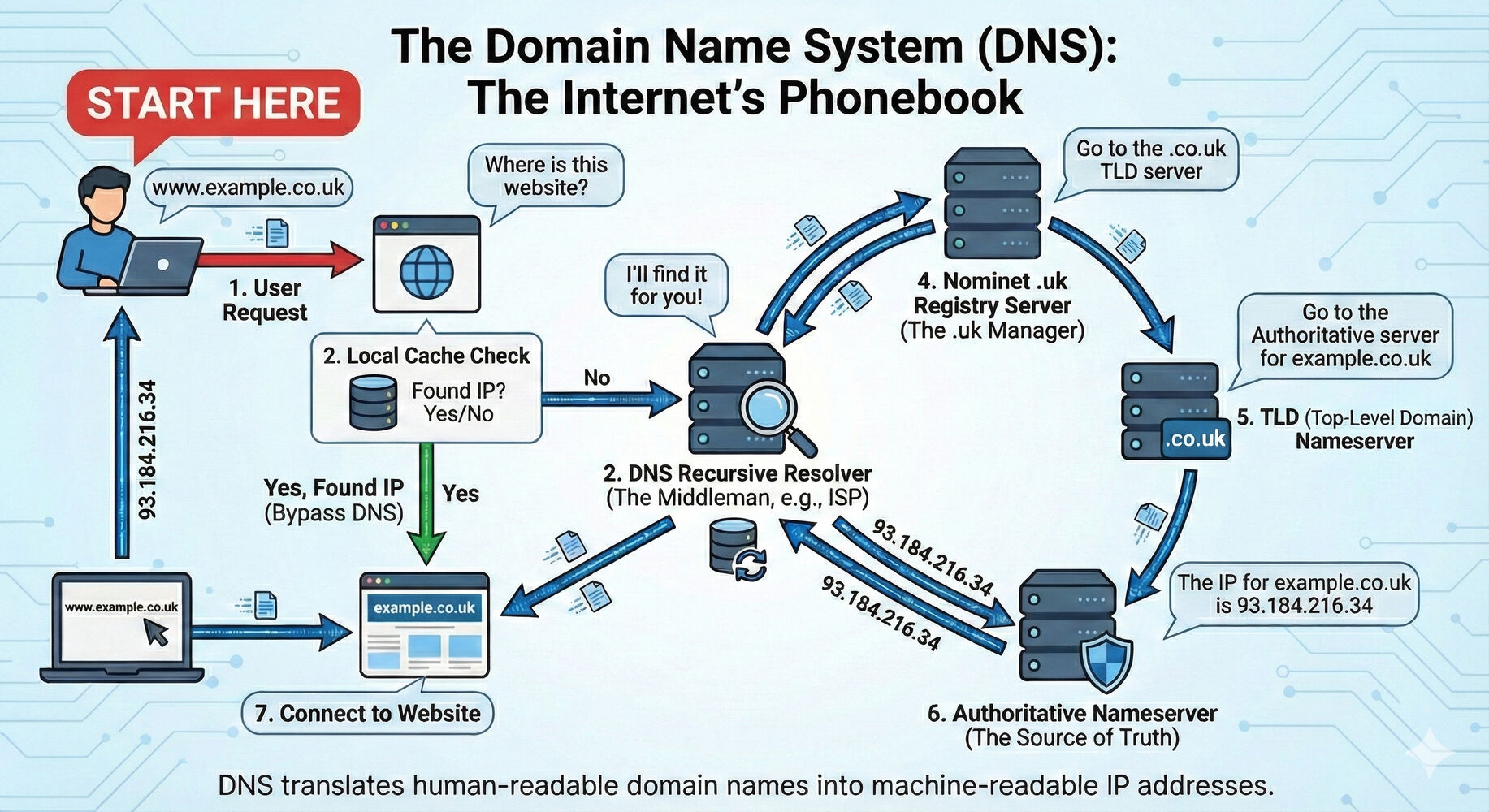
When you type a web address and hit Enter, a split-second conversation happens behind the scenes. It involves a few different servers passing your request down the line until they find the answer.
Here is the simplified journey of a click:
-
The Request You type
bbc.co.uk. Your browser asks your computer, "Do you know the IP address for this?" If you have visited it recently, your computer remembers (this is called "caching") and connects you immediately. -
The Resolver (The Assistant) If your computer doesn't know, it asks a Recursive Resolver. This is usually provided by your Internet Service Provider (like BT or Virgin). This server's only job is to go run errands and find the address for you.
-
The Root Server (The Librarian) The Resolver asks the Root Server where to look. The Root Server doesn't know the specific address for the BBC, but it knows who manages all the
.ukwebsites. It points the Resolver in the right direction. -
The TLD Server (The Filing Cabinet) The Resolver goes to the Top Level Domain (TLD) server. This server manages everything ending in
.uk. It still doesn't have the specific website, but it knows exactly which company manages the domainbbc.co.uk. -
The Authoritative Nameserver (The Destination) Finally, the Resolver reaches the Authoritative Nameserver. This is the server that the website owner (or their web designer) controls. It has the final, correct answer. It gives the IP address back to the Resolver, which gives it to your browser, and the website loads.
Amazingly, this entire process usually takes less than a tenth of a second.
The Why: Common Headaches Explained
Why does this matter to you as a business owner? Because understanding the basics saves you from panic when things go wrong.
1. "It takes 24-48 hours to propagate" You might have heard this phrase when launching a new site. Because there are so many steps in the chain (as seen above), many servers save the information to save time. If you change your website hosting, some servers around the world will still be holding onto the old "phone number" for a few hours. You just have to wait for their memory to clear.
2. The Registrar vs. The DNS Host This is the most common confusion.
-
The Registrar: The shop where you bought the domain name (e.g., 123 Reg, GoDaddy).
-
The DNS Host: The place where you manage the settings. Often these are the same company, but they don't have to be. You can buy a domain from one company and point it to another company to manage the technical details.
3. If DNS breaks, everything breaks Since DNS controls where traffic goes, if your settings are wrong, your emails will bounce and your website will vanish. It is the plumbing of your digital presence.
Expert Guidance, Hand-Holding Included
At Meridian Press, we understand that messing with DNS settings can feel high-stakes. One wrong click and the email stops working.
That is why our approach isn't just about fixing the plumbing silently in the background. It is about proactive guidance. Whether you are moving a domain, setting up new emails, or launching a site, we are there to double-check the details and explain exactly what is happening.
You don't need to become a technical expert to run your business. You just need a partner who knows the machine inside out, and who will guide you through the process to ensure the lights stay on.